How a Browser Works: A Beginner-Friendly Guide to Browser Internals
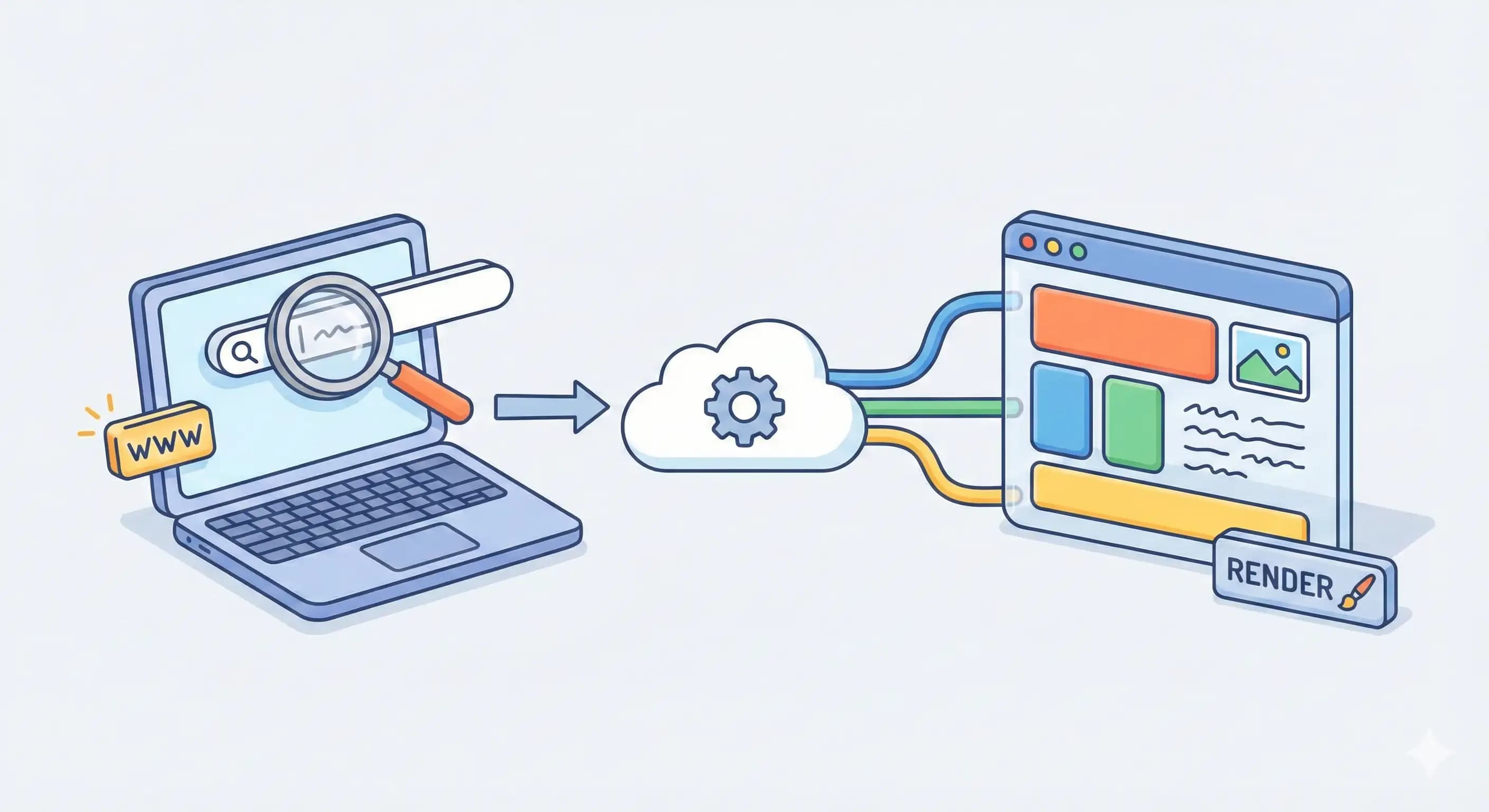
We use browsers daily to browse websites, but have you ever thought about “What happens when I type a URL and press enter?” In this article we’ll understand how a browser works and what process happens behind the scenes from when we hit enter until the website is displayed.
What is a browser?
Before understanding how a browser works, we’ll understand what a browser actually is. A browser is software, or in simple terms, we can say it’s a collection of various components working together to locate, retrieve, and display content from the World Wide Web (WWW).
Main part of a browser
User Interface (UI): Everything we see and click on a browser, like address bar, bookmarks, navigation buttons, refresh, etc.
Browser Engine: The browser engine is like a manager who acts as a bridge between the UI and other components.
Rendering Engine: This is the core part that parses HTML, CSS, and media files and builds a visual page on screen.
Networking: It manages all network communication, like requesting HTML, CSS, JS, and media files or scripts or sending data over a network.
JavaScript Interpreter: It executes JavaScript code, which makes a website interactive and dynamic.
UI Backend: It works alongside the networking layer, the JavaScript engine, and the rendering engine. It powers the logic of the UI frontend, like clicking of buttons, etc., and more.
Data Persistence: Stores things locally like cache, cookies, or key-value pairs, which helps in many things like user preferences, session persistence across sessions, etc.
How does browser work?
Now we have an understanding of what a browser is and the main components of a browser. We’ll see the main thing, which is how a browser works behind the scenes.
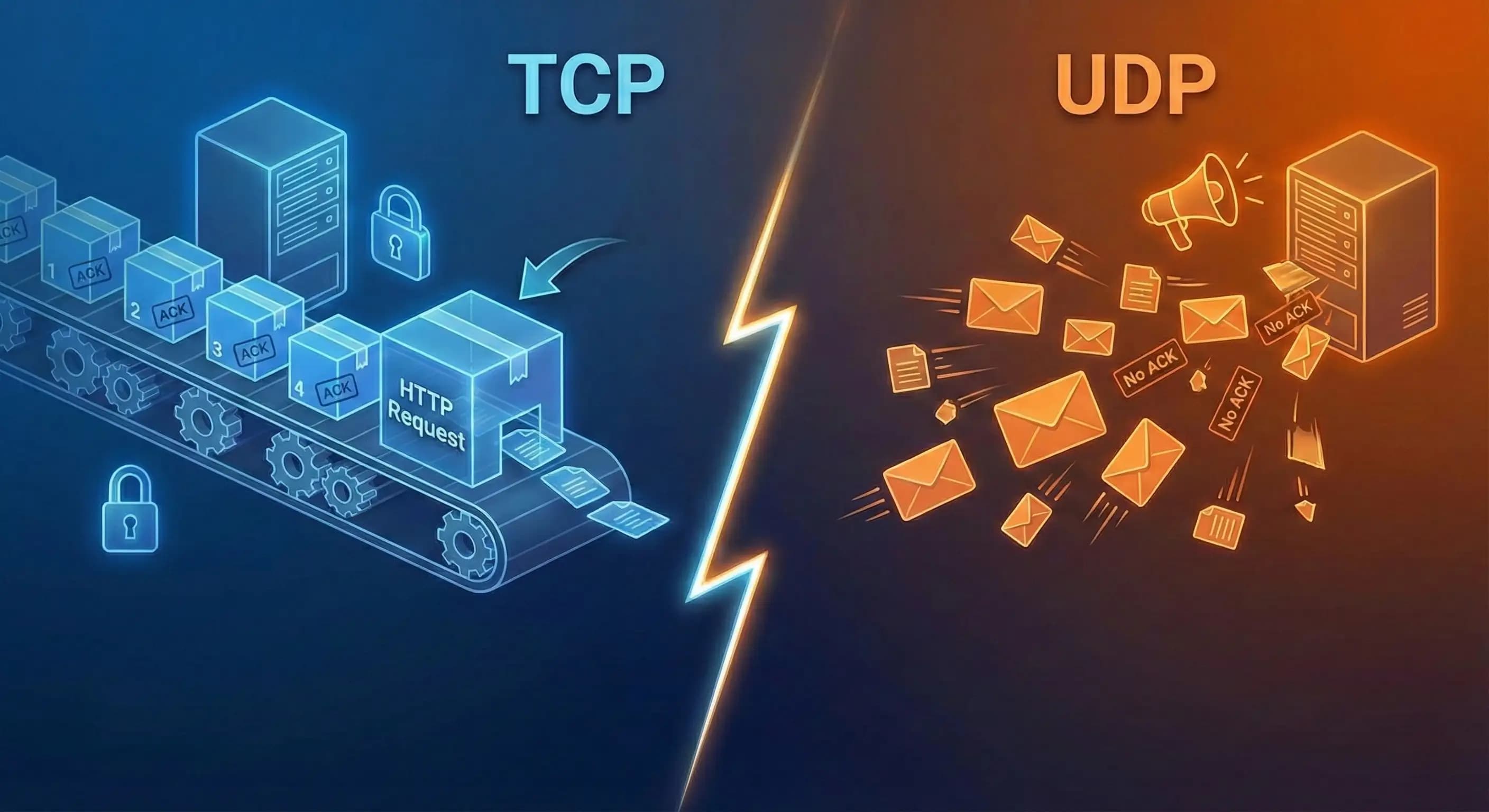
When you add a URL in the address bar, for instance, https://example.com and hit enter. The browser doesn’t know what this text is, so it requests a DNS query resolver with this URL to get the IP of this URL. If you want to know how DNS resolution works basically how this whole process works from URL to IP address, you can read this article here. After getting the IP address, TCP establishes a 3-way handshake connection with the server. When a connection is established successfully, both client and server are ready to send and receive data. The server sends necessary HTML and CSS files, which are received by the network layer of the browser, which then forwards them to the rendering engine.
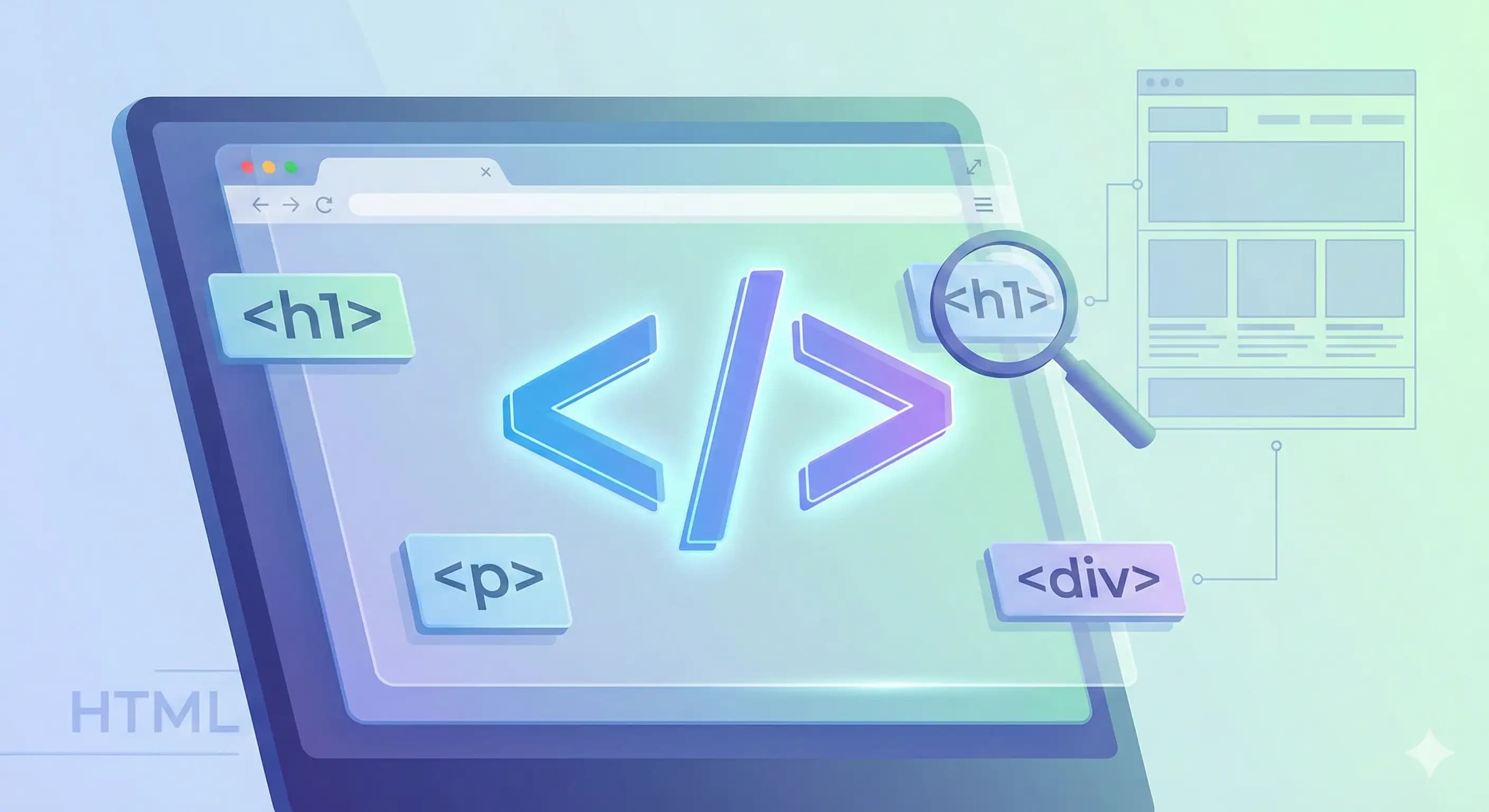
Rendering engine have parsers for both HTML and CSS. An HTML parser parses HTML line by line and parses every HTML element into an object in a DOM tree. The DOM tree is like a family tree that has parent, child, sibling, and more.

What is a parser? So I used parser work frequently; you may be confused about what a parser is. Think of parsing like breaking sentences into meaning. It breaks the HTML and CSS files into small pieces and converts them into a tree, which a browser can understand.
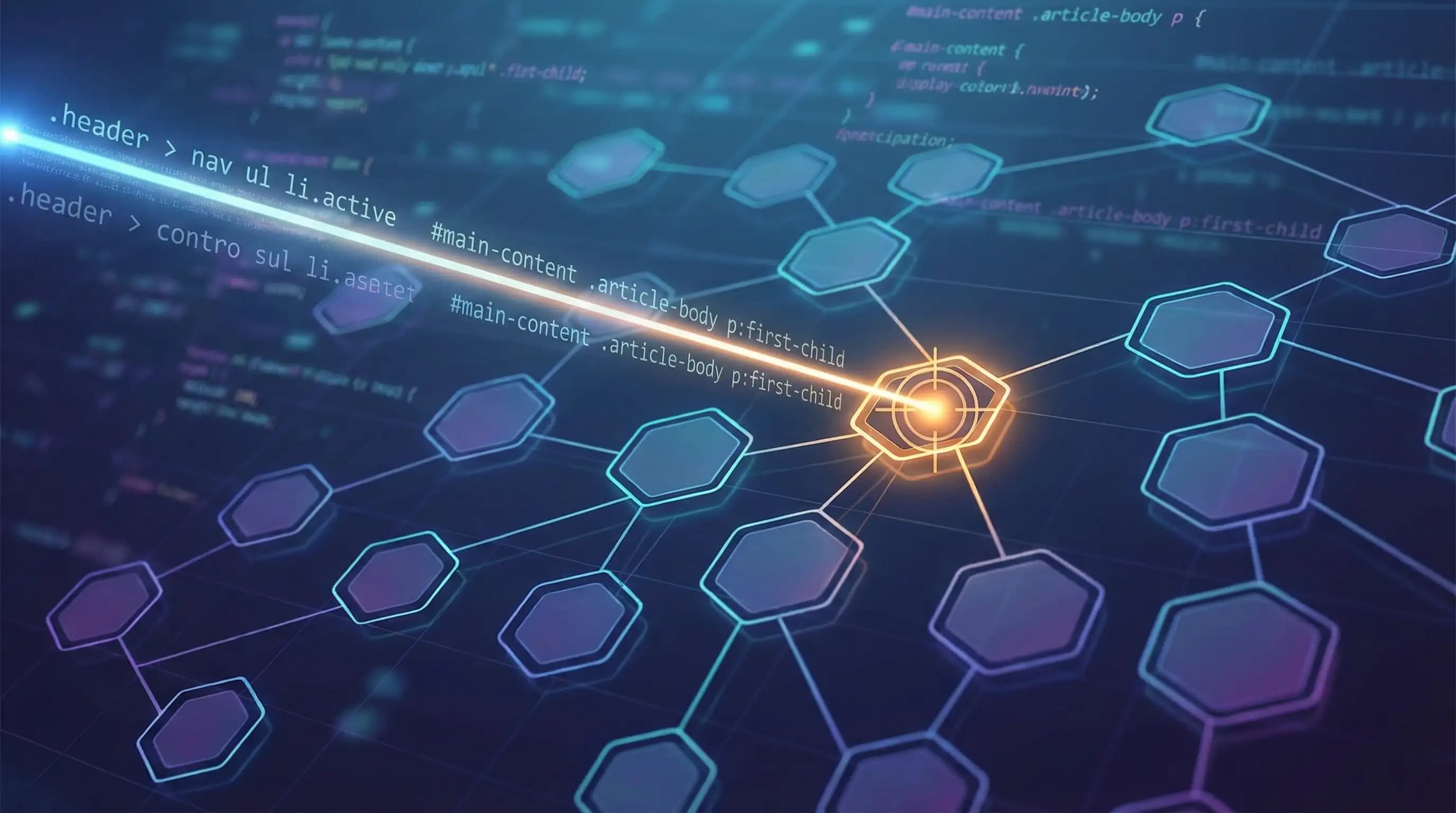
Similarly, CSS gets parsed, and the browser understands its selectors, which selector is for which node of the DOM, and converts it into a CSSOM. If DOM is what exists, CSSOM is how it should look.

After the formation of DOM and CSSOM, DOM says there is a button inside a div, CSSOM says the button color is blue and it has padding. Together they form a render tree.
Now DOM and CSSOM are ready, but the browser doesn’t know where to place what. So for this, layout or reflow comes into action. Reflow calculates the positions of the elements, where to place what, and the paint process applies the styles to the elements, and finally the web page is displayed. So this is reflow → paint → display.

This whole process, from entering a URL to rendering a webpage, happens in milliseconds. This is the engineering of browsers.
Conclusion
A browser is software that locates, retrieves, and displays content from the WWW. There are many components in a browser that work together to do this whole process. Different components do different tasks and work together to make it possible to show a webpage on our display. I hope you enjoyed reading this article. If there is any mistake or missing information, I’m sorry for that I’m a fellow learner like you.