Understanding HTML Tags and Elements
Search for a command to run...
No comments yet. Be the first to comment.
CSS selectors are a way to choose elements. It helps to target a specific HTML element or a group of elements to style them in CSS. Think of it like addressing people; one is you’ll say, “All people just listen to me,” another is “People with green s...

First we will see what Emmet is. Emmet is a free and open-source toolkit for text editors to boost the speed and efficiency of coding languages like HTML and CSS. Think of it like a shortcut language for HTML. It provides us with various short abbrev...

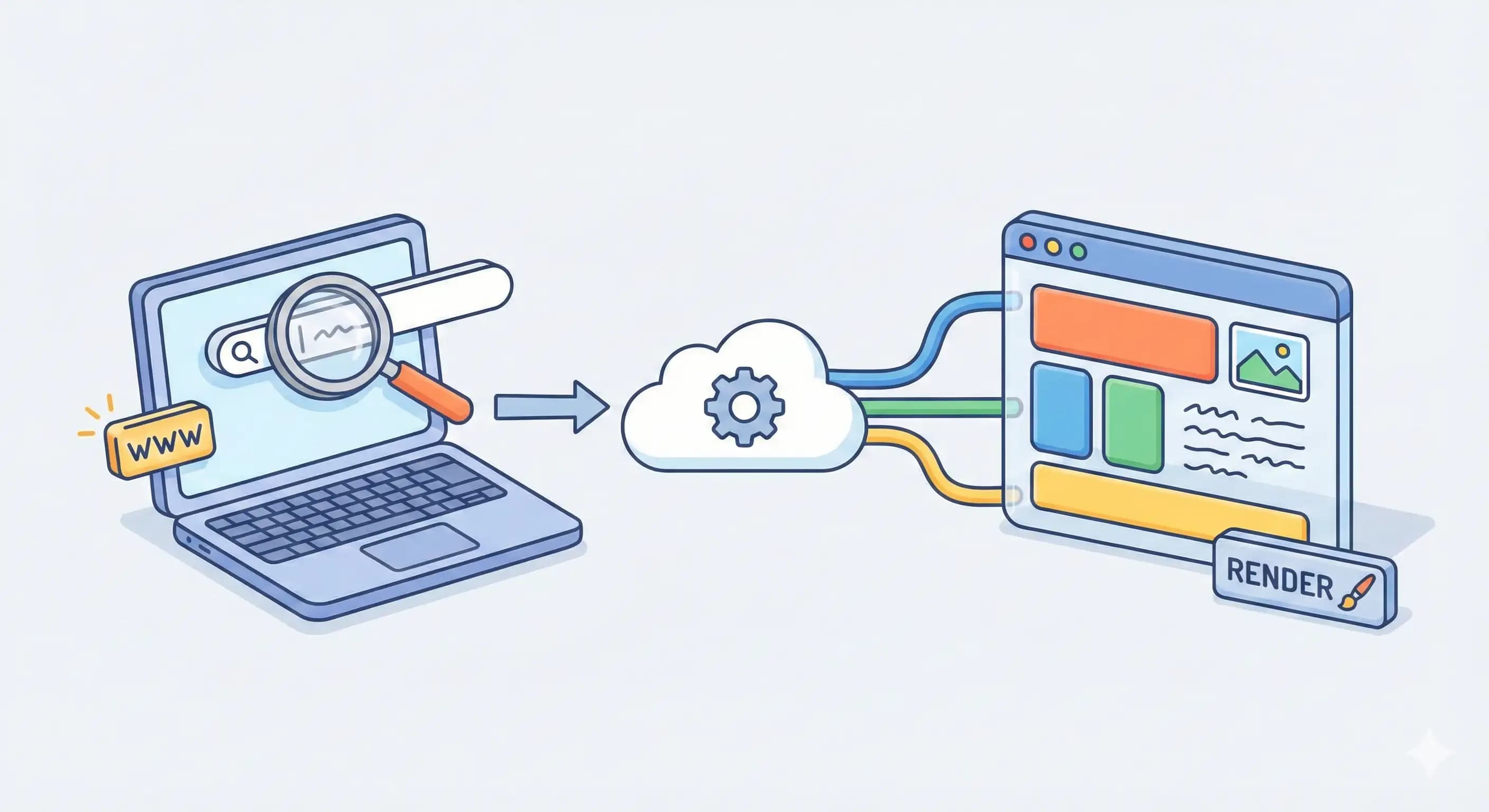
We use browsers daily to browse websites, but have you ever thought about “What happens when I type a URL and press enter?” In this article we’ll understand how a browser works and what process happens behind the scenes from when we hit enter until t...
Think if millions of computers start communicating with each other without any rules, there will be chaos. That is why we need protocols like TCP and UDP to make communication effective and meaningful. In this article we will understand TCP and UDP t...

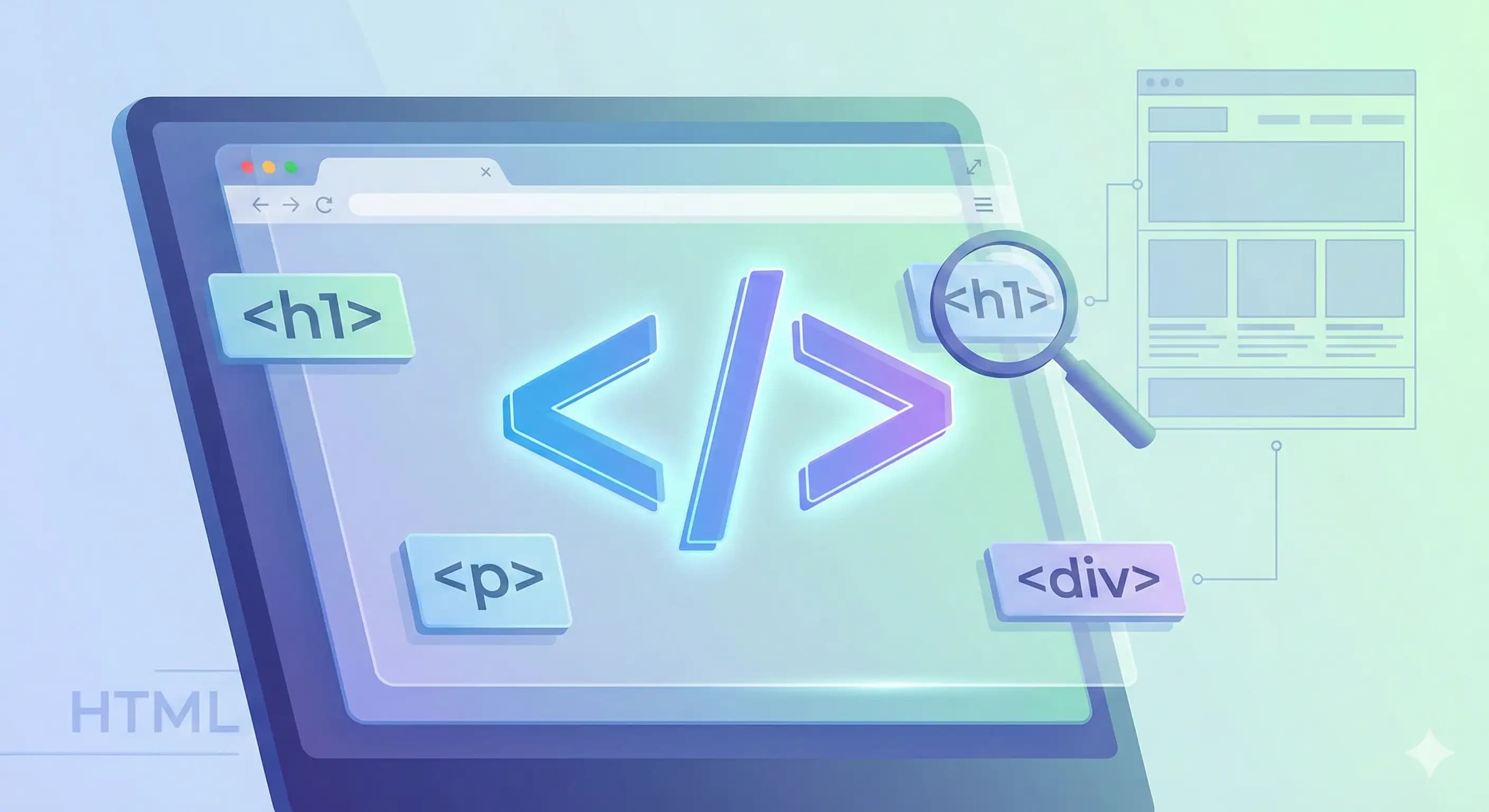
HTML (Hypertext Markup Language) is a standard language used for creating the structure of web pages. It’s like the skeleton of a web page, which defines which thing should be where. HTML is very important in creating web pages because without this a web page can’t be created. In this article we will understand what HTML tags and elements are.
HTML tags are the building blocks of this language. It defines how content should be displayed and where. Every tag is written in this format, <tagname> and each tag has its closing tag also </tagname>. In the middle of opening and closing tags, content is placed there. Together these 3 things - opening tag, content, and closing tag, form an HTML element. We’ll see what HTML elements are in a bit. Think of HTML tags like boxes, opening and closing tags define the box boundaries, and every box is closed.
There are various tags in HTML; we’ll see some of them.
There is <h1>Content</h1> tag in HTML that defines the large heading; similarly, there are <h2></h2>, <h3></h3> … upto <h6></h6> tags that define smaller headings.
A p tag defines a paragraph, like <p>This is a paragraph</p>.
A div tag is like a box which holds similar items; it groups some elements inside it, like
<div>
  <h2>Heading</h2>
  <p>This is a paragraph.</p>
</div>
Here <div> tag wraps <h2> and <p> tags inside it to make them one group.
A span tag is an inline element that groups a small part of content inside a block-level element. Don’t panic; I’ll explain inline and block-level elements in a while. Think of it like a highlighted line in a textbook.
Note: Every tag does not have a closing tag; there are some tags, which are called empty elements or void elements, that do not have closing tags like <br>, it does the function of breaking content to the next line. There is no content inside it, hence no closing tag.
HTML elements are composed of three parts: opening tag, content, and closing tag. Together they form an HTML element. These elements tell the browser how content is structured, like where a heading is starting and where it is closing, what is after what, and more.
This is so simple: block-level elements are those that take the full width of the screen, and the next element comes on the next line. Like <h1>, <p>, and more.
Inline elements take only the width necessary for their content, and the next element comes after where the first element ends, not on the next line. Like <span>, <a>, and more.\

HTML is a standard markup language used for creating the structure of the web pages. Tags are building blocks of HTML; many tags have their closing tags as well, but some of the tags are empty elements, which do not contain any content and do not have closing tags. When a tag is written, inside it is content, and it has a closing tag; together these three things form an HTML element.
There are two types of HTML elements: inline and block-level elements. Inline elements tags only the width that is needed for their content, while block elements take the full screen width.
I’ll suggest you use browser inspect to view the HTML code of your favorite website. To open it, right-click on a webpage and select “inspect” from the menu; a window will open. From the elements tab you can see all the HTML code used in this website.
