Getting Started with cURL
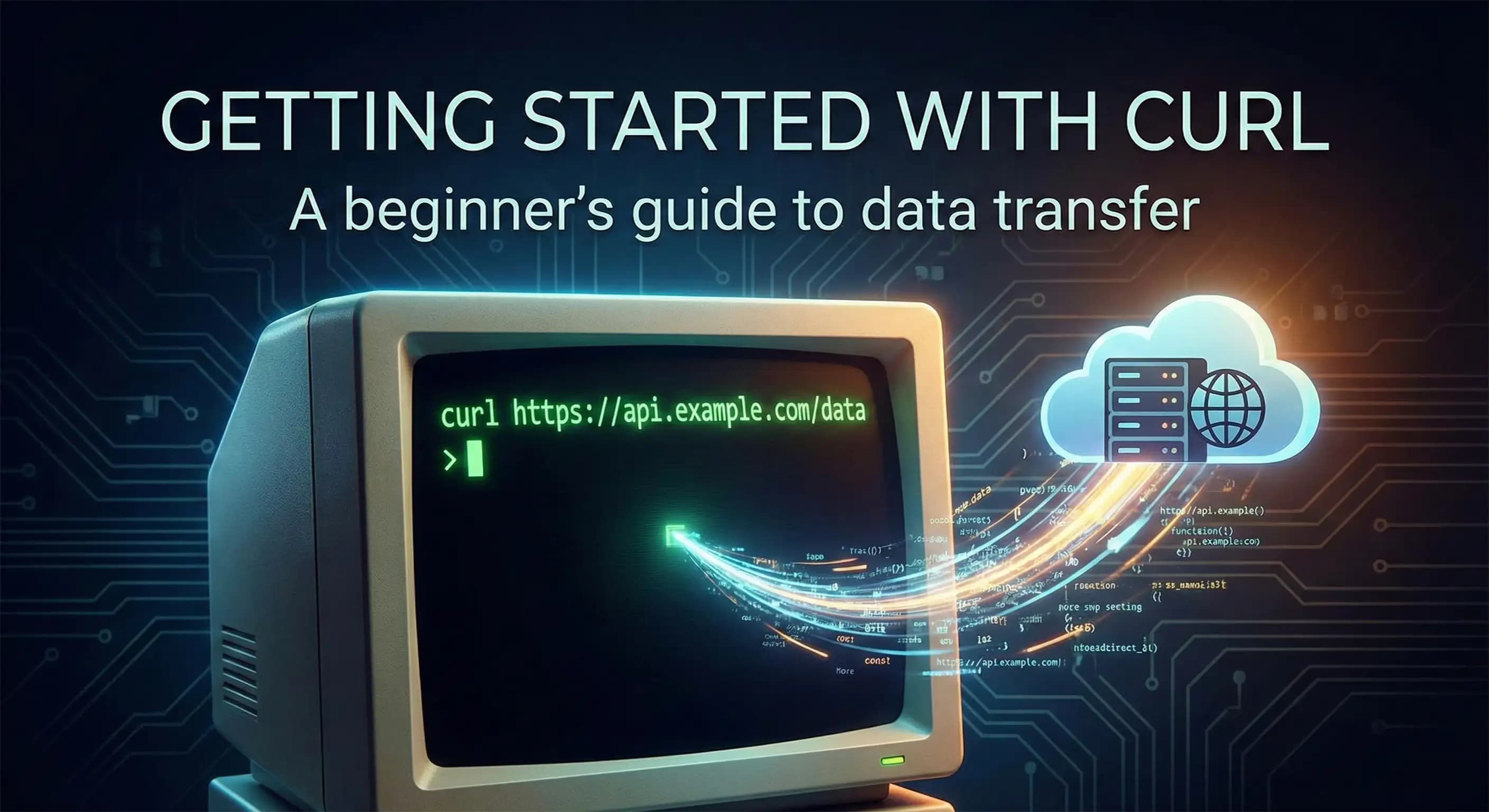
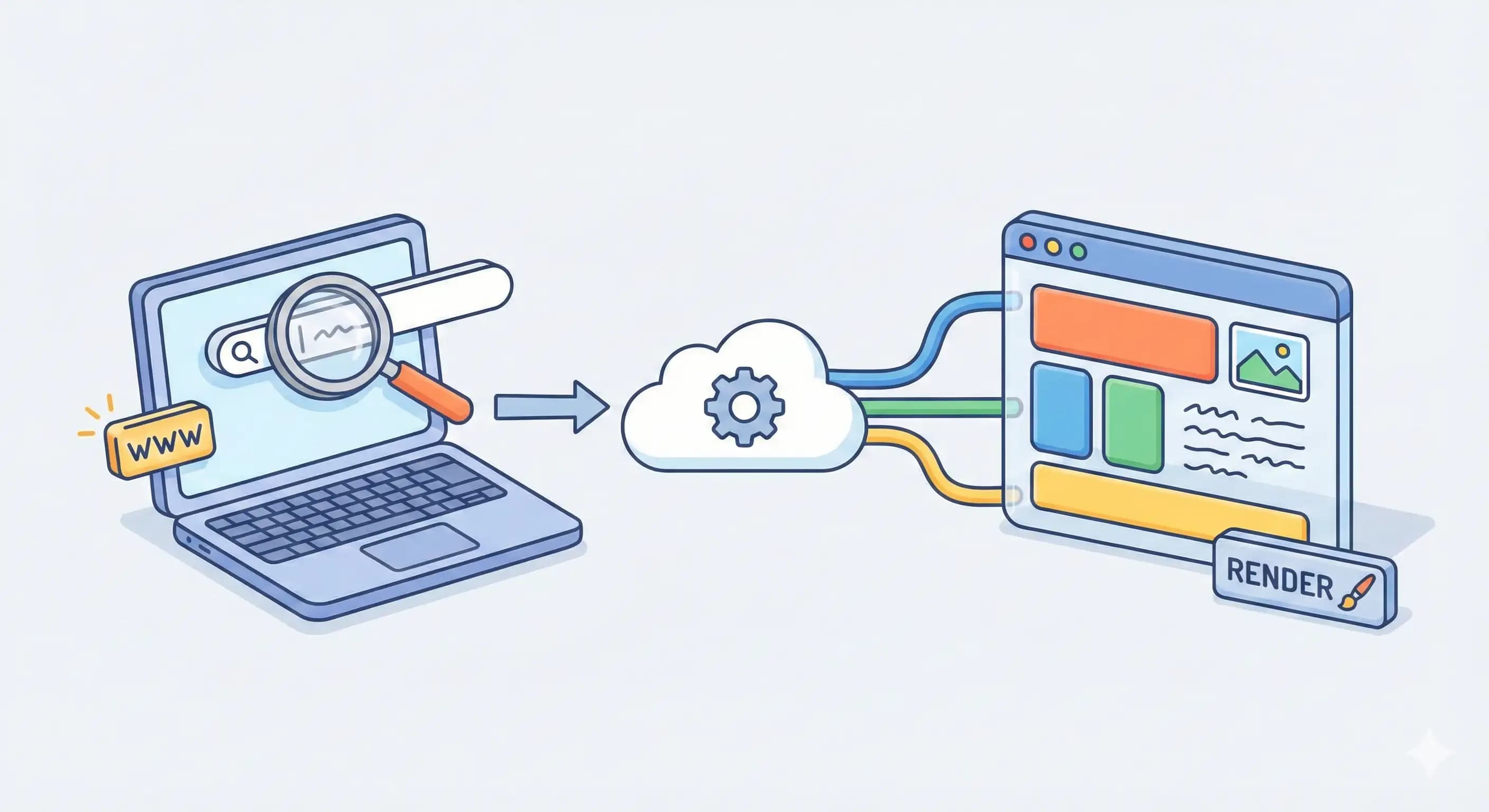
cURL stands for client URL. It helps us to send messages to a server by using a terminal. The question is, what is a server, and why do we need to talk to it? Well, a server is a powerful computer that provides resources, data, or services to other devices called clients on a network. Like if you hit any URL in the browser, it tells the server to give us a specific webpage, and the server sends it to us, and we can see it. To access the resources, data, or services from a server or to send the data to the server, we need to talk to it via APIs. Let’s understand what cURL is and how we use it to communicate with a server.
What is cURL?
cURL is a command-line tool and library for transferring data with URLs. Developers need it for testing the APIs and debugging them. cURL is used to send messages to a server from a terminal. In Linux and Mac it is pre-installed, and in Windows you can download it. To check if it’s installed in our system or not, run a simple command on your terminal curl -h. If it shows some curl options, then it’s installed, if it throws an error, then you need to install it.
We will start it with the simplest command curl <URL>. By default, without any flag, it sends a GET request to the given URL. For example, here we will use JSON Placeholder APIs.

As you can see here, it fetches posts from the server and displays them here. It shows only response data. To get headers also, we pass -i or —include flag with this command.

Now the question is if we want to send a post request to any API and want to send data to the server. Now we’ll see how to do it. To specify the request type to cURL, we use flag -X or —request and specify the name of the request type.

What if we want to send data? For this we use -d or —data flag and pass the data inside quotes in this format curl -X POST -d "param1=value1&m2=value2" https://example.com/api/data. We’ll understand it by doing it ourselves.

We’ve successfully sent the data to the server using cURL. Similarly, we can use other request types like PUT, PATCH, and DELETE also, which I want you to practice yourself.
Why cURL if we have tools like Postman?
By now you should be having a doubt about why we will use a difficult command-line tool like cURL if we have easy GUIs like Postman. Same was the doubt in my mind when I learned about cURL, but then I got to know about some points, and I’ll try to make you understand also.
GUIs like Postman use cURL under the hood.
GUIs are heavy and resource intensive, while cURL is a lightweight command-line tool that we don’t need to install in Linux, it comes pre-installed, ideal for servers.
The main thing that is missing in GUIs like Postman is automation, cURL is great for scripts, CI/CD, and cron jobs.
These are some of the main reasons for using cURL, you can learn more about it by yourself.
Summary
cURL is a way to communicate with a server using a terminal. We understood cURL from its basic GET request to sending data to the server using a POST request. Discussed some of the flags of cURL. And cleared one doubt about why cURL over GUI tools like Postman. By now you should be confident about cURL, how to use it, and where to use it. I’ll recommend you to learn about the automation where it’s used in automation.