Git for Beginners: Basics and Essential Commands
Search for a command to run...
No comments yet. Be the first to comment.
CSS selectors are a way to choose elements. It helps to target a specific HTML element or a group of elements to style them in CSS. Think of it like addressing people; one is you’ll say, “All people just listen to me,” another is “People with green s...

First we will see what Emmet is. Emmet is a free and open-source toolkit for text editors to boost the speed and efficiency of coding languages like HTML and CSS. Think of it like a shortcut language for HTML. It provides us with various short abbrev...

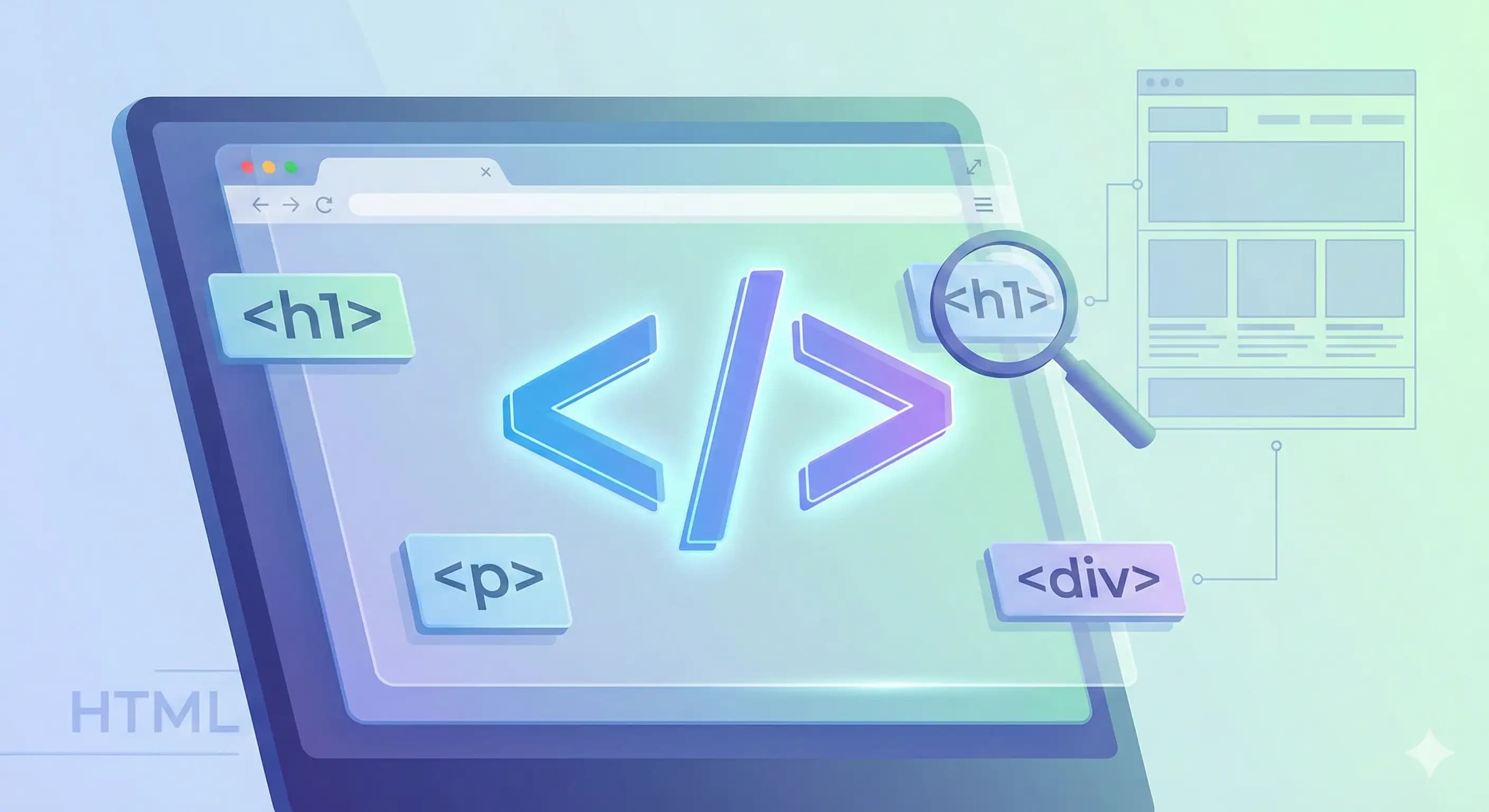
HTML (Hypertext Markup Language) is a standard language used for creating the structure of web pages. It’s like the skeleton of a web page, which defines which thing should be where. HTML is very important in creating web pages because without this a...
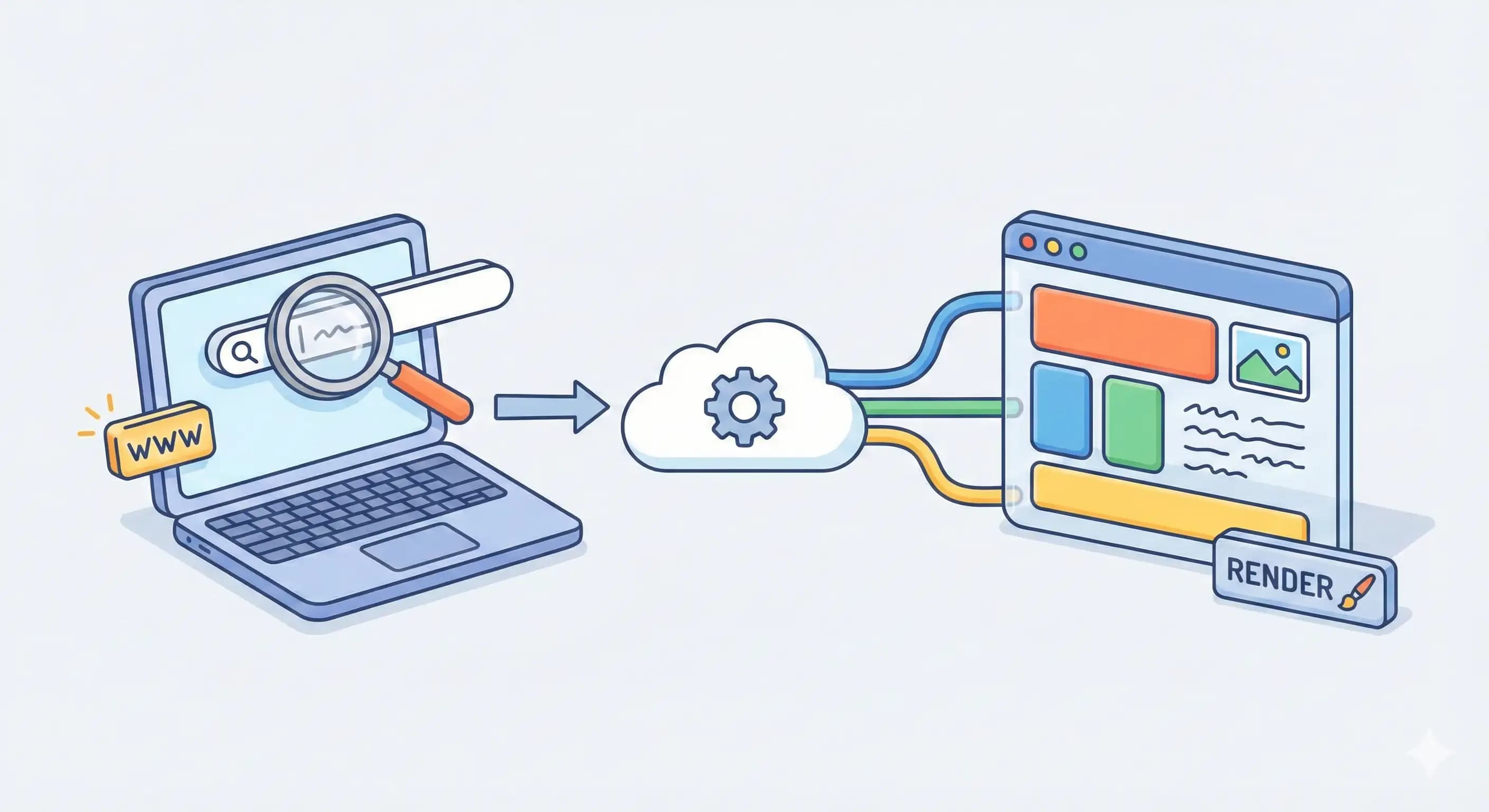
We use browsers daily to browse websites, but have you ever thought about “What happens when I type a URL and press enter?” In this article we’ll understand how a browser works and what process happens behind the scenes from when we hit enter until t...
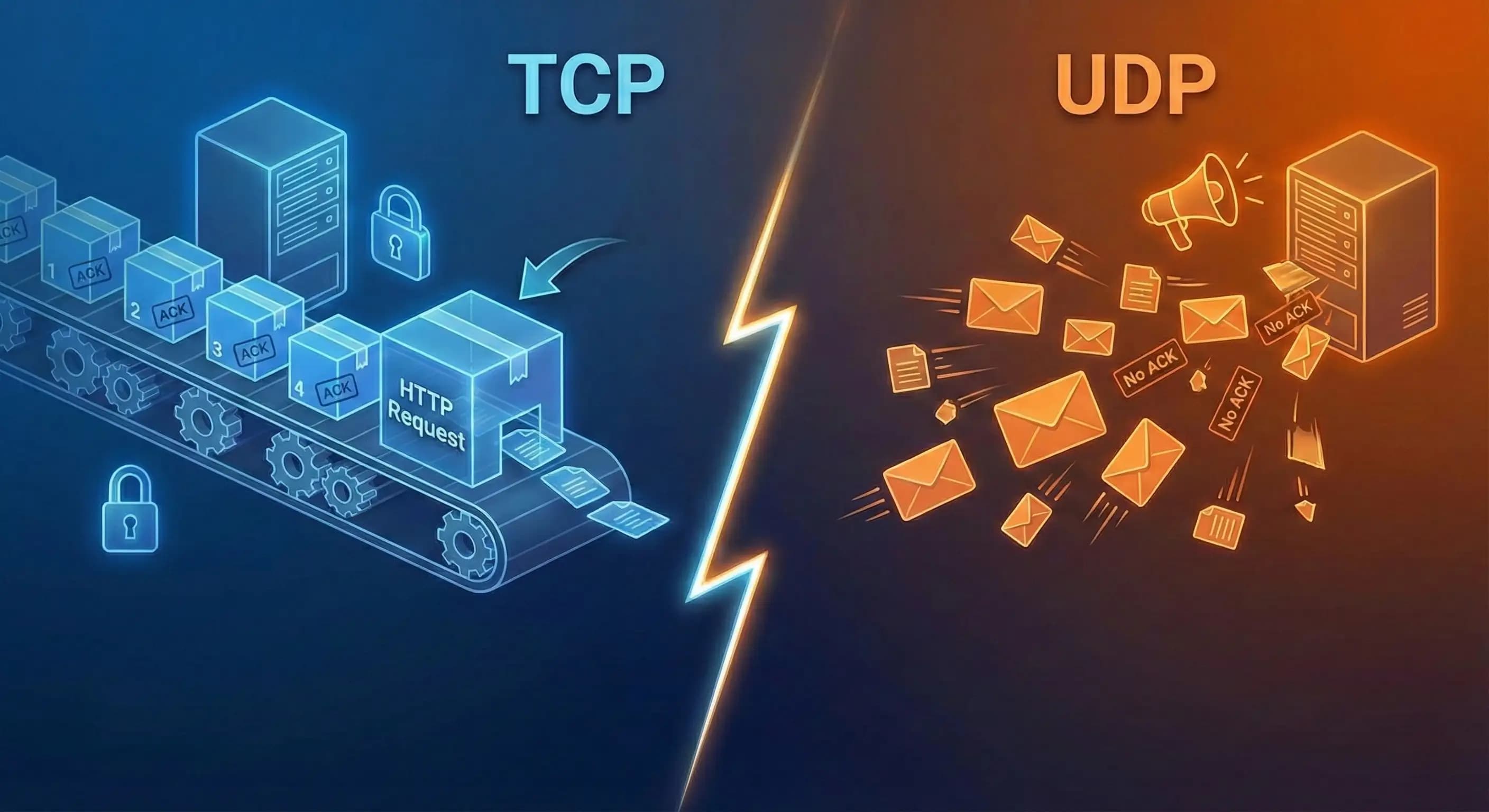
Think if millions of computers start communicating with each other without any rules, there will be chaos. That is why we need protocols like TCP and UDP to make communication effective and meaningful. In this article we will understand TCP and UDP t...
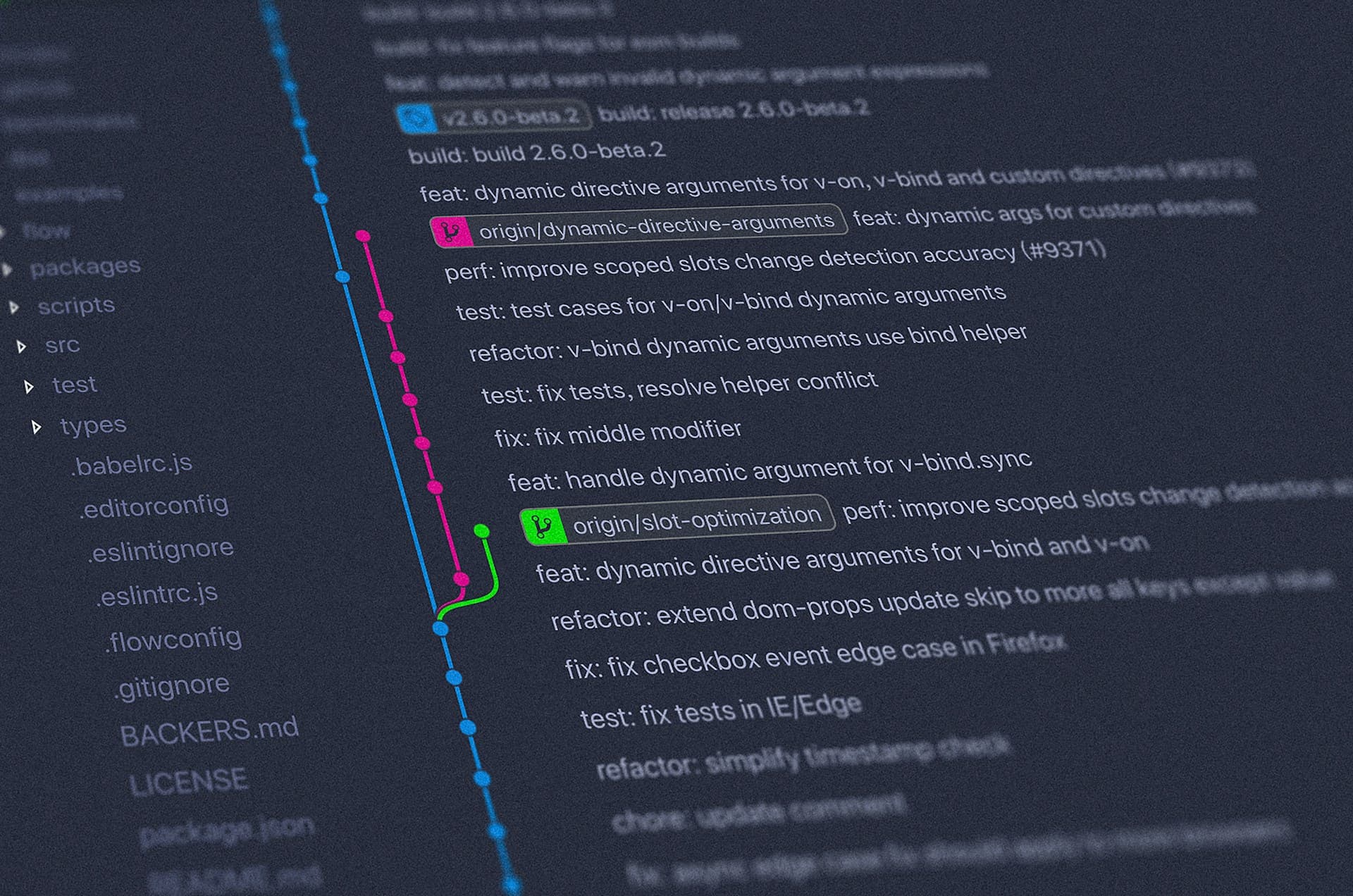
Git is a tool used to track changes in your code. It is termed a Distributed Version Control System (DVCS) because it allows multiple developers to collaborate on a project, track changes, and switch back to previous versions if needed.
When working on projects, we need to keep track of the changes and versions, this is where Git comes into the picture. If we complete one feature, push it to the repository, and then start working on another feature, if the feature breaks any changes and we need to go back to the previous commit, we can do it easily.
In teams, it allows us to collaborate. Git allows us to add a local copy of the project to our system, work on it offline, and then, when the work is done, sync it with the central repository.
Repository: A repository is a database, either local or on a central server, that saves the project files, folders, changes, etc.
Working Directory: It is the directory where we are working on the project.
Staging: Staging area is where changes are prepared for committing into the repository.
Commit: A snapshot of the staged changes at a specific point of time. Every commit has a unique identifier (SHA) and a commit message.
Branch: A branch is a separate line of code used for adding new features, fixing bugs, etc. It is separate from the main codebase and can be later merged into main.
HEAD: It is a reference to the last commit in the current branch.
Main/Master: It is a default branch where there is production-ready code.
git init is used to initialize a Git repository in our project. It adds a .git hidden directory inside our working directory where everything is stored.
git add <filename> is used to commit a specific file into the staging area.
git add . is used to add all the files of the project into the staging area.
git commit -m <message> is used to commit the staging area changes into the repository with a message.
git status shows the status of the changes as untracked, modified, or staged.
git log displays all logs of commits in the current working branch history.
git branch list all local branches.
git branch <branch-name> is used to create a new branch.
git switch <branch-name> is used to switch to another branch.
There are many more Git commands, you can read about them here.
Open any project inside your favorite code editor.
Initialize Git repository with git init
Make changes and add these changes to staging area with git add .
Finally push changes into repository with git commit -m “Initial commit”
Congratulations, you have used Git inside your own project.
In this article we understood what Git is, why it is used in modern software development, and the core terminologies of Git, like “repository,” “commit,” “branch,” etc. Also, we learned about some common Git commands, and we used it practically in our project. With the basic understanding of Git, you can now confidently manage your code and work efficiently in a team. Now the best way to learn it thoroughly is by practicing it regularly in your projects.